Installed CCTV runs about $1,000–$5,000 for 4–10 cameras ($150–$500/camera). Here's what drives the cost and how cameras can cut your guard bill.
Video surveillance is usually the cheapest security dollar you can spend, but the sticker range is wide because a "camera system" is really four purchases bundled together: the cameras, the recorder and storage, the cabling and labor, and the mounting hardware. For most US businesses in 2026, a professionally installed system of four to ten cameras runs about $1,000 to $5,000. Where you land inside that band depends almost entirely on camera count, resolution, and how hard the cable runs are — not on the brand name on the box.
A professionally installed 4–10 camera system typically costs about $1,000–$5,000 in 2026, or roughly $150–$500 per installed wired camera. IP/high-resolution cameras add about a 30% premium per camera over analog. Budget separately for remote video monitoring at about $30–$200 per month. These are estimated US ranges, not quotes — get an itemized bid before you commit.
What drives the cost: the four line items
When you read an installer's proposal, break it into components so you can compare bids apples-to-apples.
Cameras
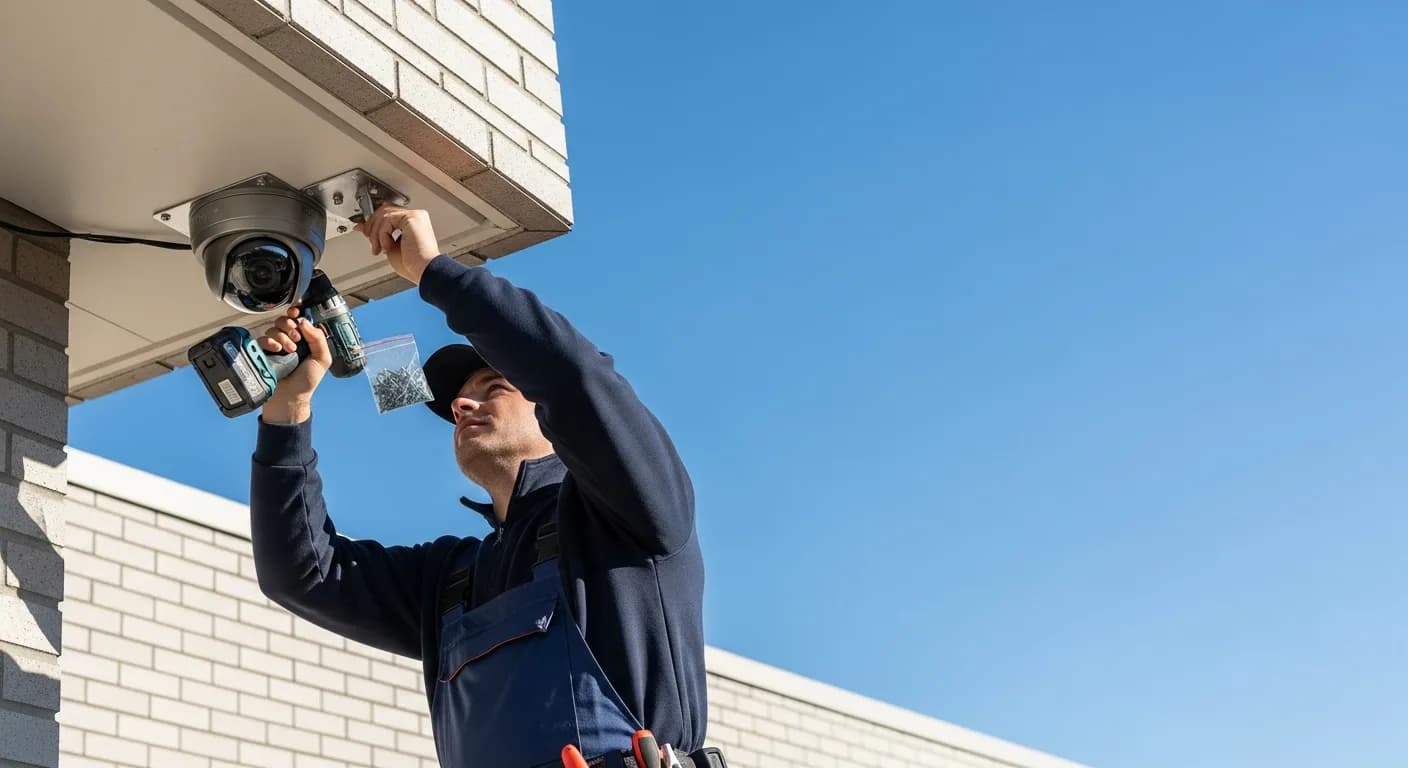
The per-camera installed cost lands around $150–$500, and that spread reflects both the hardware and the difficulty of placing it. A fixed dome under an eave is at the low end; a weatherized pan-tilt-zoom unit on a high pole is at the top. Count your true coverage needs first — most small commercial sites are over-cameraed in the parking lot and under-cameraed at the cash-handling and back-door points that actually matter.
Recorder (NVR/DVR) and storage
Footage has to land somewhere. Analog systems use a DVR; IP systems use an NVR, which also powers the cameras over the network cable. The recorder plus its hard drives is a real cost line, and it scales with two things: how many cameras feed it and how many days of footage you retain. Higher-resolution cameras eat storage faster, so a bump in resolution quietly raises the recorder/storage cost too.
Cabling and labor
This is the line that moves bids the most. Pulling cable through finished walls, above hard ceilings, or across a parking lot to a pole is labor-intensive, and labor is where two quotes for the "same" system diverge. A pre-wired suite is cheap to fit out; a masonry building with no conduit is not. Ask the installer to walk the site and note the hard runs before they price it.
Mounting and power
Brackets, weatherproof enclosures, junction boxes, and — for cameras beyond network reach — separate power drops all add up in aggregate. Power-over-Ethernet on IP systems collapses power and data into one cable, which is part of why IP installs can be tidier despite the higher per-camera price.
IP vs analog: what the resolution premium buys
IP (network) cameras cost roughly a 30% premium per camera over analog, and for most buyers that premium is worth paying. The extra money buys usable resolution — the difference between "there was a person" and "that is the person, and here is the license plate." High-resolution IP lets one camera cover a wider field or let you digitally zoom into a saved clip and still read detail, which can mean fewer cameras overall. Analog still makes sense when you're extending an existing analog system, or where you genuinely only need presence detection. If evidence quality matters — theft, liability, fraud disputes — pay the premium. Our video surveillance and CCTV guide walks through resolution, lens choice, and coverage in more depth.
Wired vs wireless, DIY vs professional
Wired systems are the default for commercial sites: reliable, powered over the cable, and not dependent on Wi-Fi that can be jammed or congested. Wireless cameras cut cabling labor and suit leased spaces or sites where running cable is impractical, but they still need power, they lean on your network, and battery-powered units add a maintenance chore. Treat wireless as a targeted tool, not a whole-building strategy.
DIY kits look cheaper because they omit the labor line — but they also omit the site survey, the clean cable runs, the correct camera heights and angles, and the configuration that determines whether footage is actually usable in an incident. A professional install costs more up front and is the right call for anything liability-adjacent or multi-camera. If you want to sanity-check scope and price before you talk to vendors, the security cost calculator gives a fast estimate.
Ongoing costs you should budget for
Hardware is a one-time spend; the system has a monthly tail. Remote or central-station video monitoring — where a live operator watches feeds and responds to alarms — runs about $30–$200 per month depending on how many cameras are watched and whether coverage is 24/7 or after-hours only. This is separate from the hardware and is where surveillance stops being a passive recorder and becomes an active deterrent.
You'll also decide between cloud and local storage. Cloud subscriptions carry a recurring fee and offload retention; local storage is a one-time cost but caps out and can be stolen along with the recorder. Either way, set a retention policy — how many days of footage you keep — because it drives storage cost directly and is often dictated by insurance or industry rules. Finally, budget for maintenance and warranty: cameras drift, lenses fog, drives fail, and firmware needs updating. A modest annual service line keeps the system trustworthy on the day you actually need the footage.
Worked example: an 8-camera system for a small commercial site
Say you run a single-building light-industrial site — entrances, a loading dock, the yard, and interior chokepoints — and you spec eight IP cameras. At roughly $150–$500 per installed camera, the camera-and-install portion alone spans a wide band, and eight cameras with an NVR, drives sized for a couple weeks of retention, and moderate cable runs lands the whole project comfortably inside the $1,000–$5,000 range — toward the middle-to-upper part of it given the IP resolution premium and the yard run. Add remote monitoring at $30–$200 per month if you want live response after hours. The variables that push this site up rather than down: outdoor pole cameras, long cable pulls to the yard, and longer retention. For a full breakdown of how security line items stack, see how much security costs.
How cameras can cut your guard bill
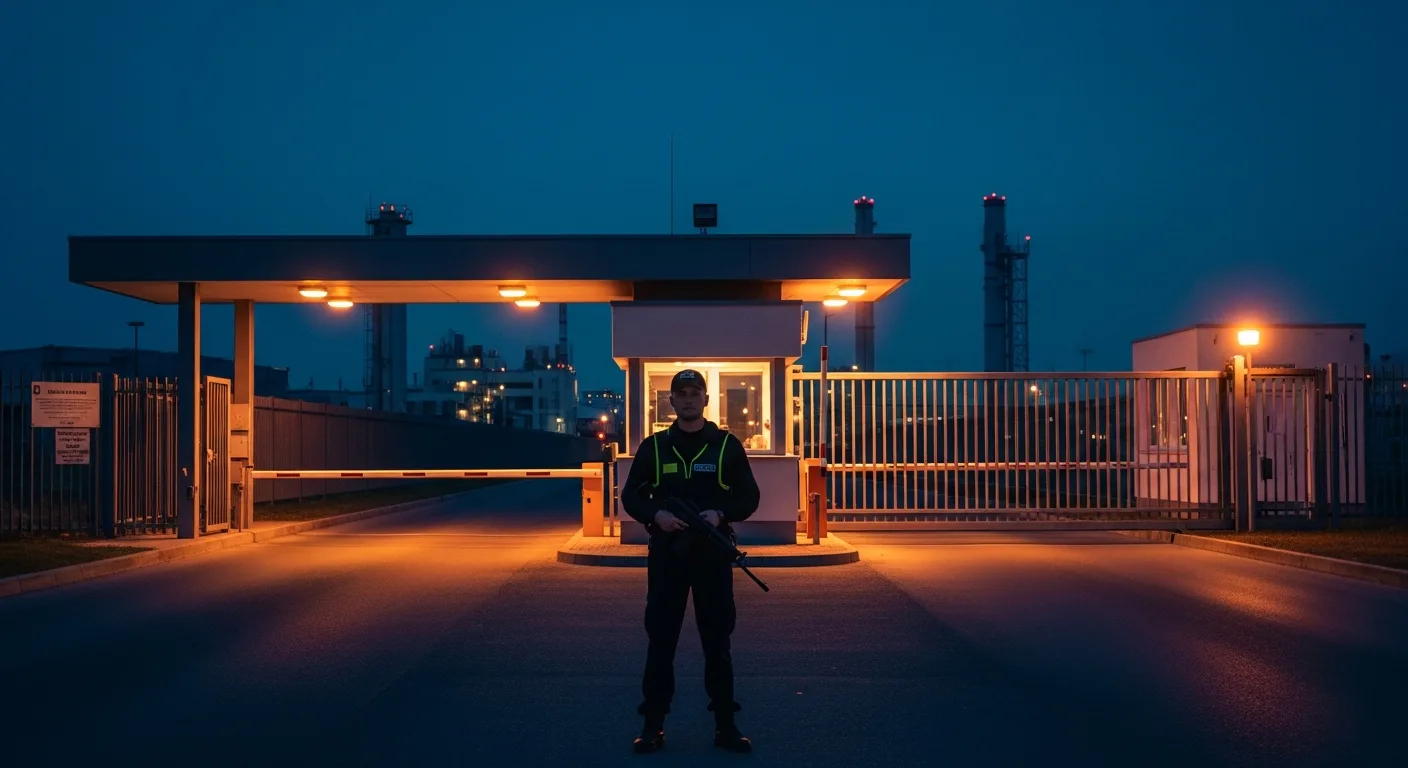
The strongest financial case for surveillance is what it lets you stop paying for. Standing guard labor is the most expensive item on most security budgets — round-the-clock guard coverage means paying multiple shifts every single day. Cameras paired with remote monitoring let you replace some of those hours with technology: instead of a guard physically on site all night, a monitored camera system watches the property and a smaller human response — a single night post, a mobile patrol that swings by, or an operator who dispatches on an alarm — handles the exceptions. You keep eyes on the site continuously while paying for far fewer staffed hours. That trade-off, a modest monthly monitoring fee against many hours of overnight wages, is where a camera investment often pays for itself within the first year. Explore how the pieces combine on our video surveillance services page.
What to ask an installer before you sign
A good bid answers these without prompting; a weak one gets vague. Ask directly:
- Retention: How many days of footage will this system store, and what does adding days cost in storage?
- Resolution: What resolution is each camera, and will it let me read a face or plate at the distances I care about — not just detect motion?
- Coverage plan: Can you provide a camera-placement diagram showing exactly what each camera sees, including overlaps and blind spots?
- Monitoring options: Is this record-only, or can it feed remote/central-station monitoring, and what's the monthly cost for the coverage window I want?
- Ownership and support: Do I own the hardware and footage outright, what's covered under warranty, and what does ongoing maintenance cost?
Frequently asked questions
How much does it cost to install security cameras for a business in 2026?+
Are IP cameras worth the extra cost over analog?+
What are the ongoing monthly costs after installation?+
Can security cameras reduce how many guards I need?+
Should I choose wired or wireless cameras for a commercial site?+
Share this guide